Langflow is a powerful tool for building and deploying AI-powered agents and workflows.
http://www.langflow.org
 34f18185c5
* add-note * notes * vector-store-rag-notes * vector-store-rag-notes * comma * comma * revert * add-notes * another-way * revert * revert * fix * descriptions * lightbulb * deployed-size * size * size * resizing-is-true * targethandle * double * set-components * pin * notes * fix * dont-change-code * cleanup * update example * fix postion on example * fix-descriptions * swap-link * newline-and-lightbulb * another-docs-link * play-button * remove-double * update NODE_FORMAT_ATTRIBUTES to prevent description updates on examples * Update AstraDB documentation link * update documentation on code * ✨ (chatInputOutputUser-shard-0.spec.ts): update the test to click on the last element with the text "Playground" to ensure correct element is clicked * 🐛 (Basic Prompting.spec.ts): fix clicking on "Playground" element by selecting the last occurrence to ensure correct element is clicked * ✨ (Blog Writer.spec.ts): update test to click on the last element with text "Playground" to ensure correct element is clicked on the page * ✨ (Dynamic Agent.spec.ts): update test to click on the last element with text "Playground" to ensure correct element is clicked on the page * 🐛 (decisionFlow.spec.ts): fix clicking on "Playground" button by selecting the last element with the text "Playground" to ensure correct element is clicked * 🐛 (generalBugs-shard-3.spec.ts): fix clicking on "Playground" button by selecting the last occurrence to prevent ambiguity * 🐛 (generalBugs-shard-0.spec.ts): fix clicking on "Playground" button by selecting the last element with the text "Playground" to ensure correct element is clicked * 🐛 (general-bugs-shard-3836.spec.ts): fix clicking on "Playground" button by selecting the last element with the text "Playground" to ensure correct element is clicked * ✨ (chatInputOutputUser-shard-2.spec.ts): update test to click on the last element with text "Playground" to ensure correct interaction with chat input/output feature * ✨ (stop-button-playground.spec.ts): update test to click on the last occurrence of the text "Playground" to ensure correct element is clicked * 🐛 (limit-file-size-upload.spec.ts): fix selector to click on the last element with text "Playground" instead of the first one * ✨ (fileUploadComponent.spec.ts): update test to click on the last element with text "Playground" to ensure correct element is clicked on the page * ✨ (chatInputOutput.spec.ts): update test to click on the last occurrence of the "Playground" text to ensure correct element is clicked * 🐛 (generalBugs-shard-9.spec.ts): fix clicking on "Playground" element by selecting the last occurrence to prevent flakiness in tests * 🐛 (Document QA.spec.ts): fix clicking on "Playground" element by selecting the last occurrence to ensure correct element is clicked * ✨ (similarity.spec.ts): update click method to target the last occurrence of "Playground" text to ensure correct element is clicked * 🐛 (Simple Agent.spec.ts): fix clicking on "Playground" button by selecting the last element with the text to avoid ambiguity * ✨ (textInputOutput.spec.ts): update test script to target the last occurrence of the "Playground" text element to ensure correct interaction with the UI. * ✨ (Travel Planning Agent.spec.ts): Update the selector for the "Playground" text to ensure the correct element is clicked on the page. * 🐛 (Vector Store.spec.ts): fix clicking on "Playground" element by selecting the last one to avoid ambiguity * ✨ (generalBugs-shard-9.spec.ts): add click action on the last element with test id "title-Prompt" to improve test coverage and interaction with the page --------- Co-authored-by: anovazzi1 <otavio2204@gmail.com> Co-authored-by: cristhianzl <cristhian.lousa@gmail.com> |
||
|---|---|---|
| .devcontainer | ||
| .github | ||
| .vscode | ||
| deploy | ||
| docker | ||
| docker_example | ||
| docs | ||
| scripts | ||
| src | ||
| .env.example | ||
| .eslintrc.json | ||
| .gitattributes | ||
| .gitignore | ||
| .pre-commit-config.yaml | ||
| CODE_OF_CONDUCT.md | ||
| CONTRIBUTING.md | ||
| eslint.config.js | ||
| LICENSE | ||
| Makefile | ||
| poetry.lock | ||
| pyproject.toml | ||
| README.ES.md | ||
| README.ja.md | ||
| README.KR.md | ||
| README.md | ||
| README.PT.md | ||
| README.zh_CN.md | ||
| render.yaml | ||
| uv.lock | ||
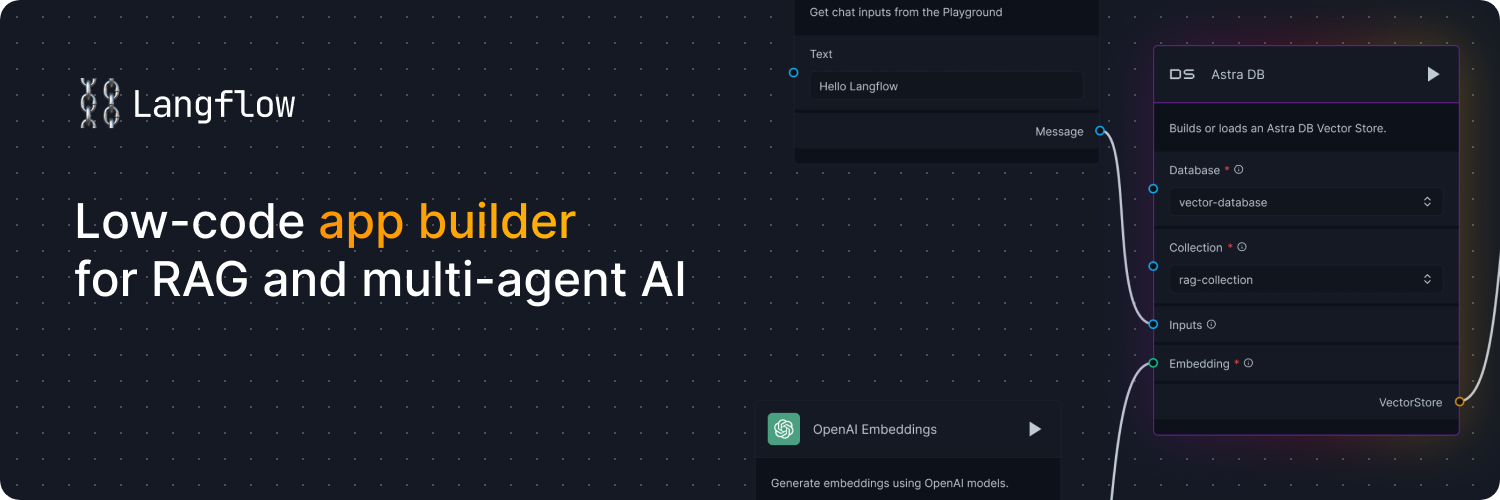
Langflow is a low-code app builder for RAG and multi-agent AI applications. It’s Python-based and agnostic to any model, API, or database.
Docs - Free Cloud Service - Self Managed


✨ Core features
- Python-based and agnostic to models, APIs, data sources, or databases.
- Visual IDE for drag-and-drop building and testing of workflows.
- Playground to immediately test and iterate workflows with step-by-step control.
- Multi-agent orchestration and conversation management and retrieval.
- Free cloud service to get started in minutes with no setup.
- Publish as an API or export as a Python application.
- Observability with LangSmith, LangFuse, or LangWatch integration.
- Enterprise-grade security and scalability with free DataStax Langflow cloud service.
- Customize workflows or create flows entirely just using Python.
- Ecosystem integrations as reusable components for any model, API or database.
📦 Quickstart
- Install with pip (Python 3.10 or greater):
pip install langflow
- Cloud: DataStax Langflow is a hosted environment with zero setup. Sign up for a free account.
- Self-managed: Run Langflow in your environment. Install Langflow to run a local Langflow server, and then use the Quickstart guide to create and execute a flow.
- Hugging Face: Clone the space using this link to create a Langflow workspace.
⭐ Stay up-to-date
Star Langflow on GitHub to be instantly notified of new releases.
👋 Contribute
We welcome contributions from developers of all levels. If you'd like to contribute, please check our contributing guidelines and help make Langflow more accessible.