Langflow is a powerful tool for building and deploying AI-powered agents and workflows.
http://www.langflow.org
 8d902e6c74
* add dataframe outputs to vector stores, directory, url, split text * [autofix.ci] apply automated fixes * [autofix.ci] apply automated fixes (attempt 2/3) * add parse dataframe * [autofix.ci] apply automated fixes * Refactor: Update DataFrame handling in components - Added import of DataFrame in directory and url components. - Renamed variable 'df' to 'dataframe' in ParseDataFrameComponent for clarity. - Updated method _clean_args and parse_data to use 'dataframe' instead of 'df' for consistency. These changes enhance code readability and maintainability by standardizing the terminology used for DataFrame objects. * [autofix.ci] apply automated fixes * remove parse dataframe * feat: add parse dataframe component * [autofix.ci] apply automated fixes * Refactor: Remove duplicate as_dataframe method in LCVectorStoreComponent This commit eliminates the redundant as_dataframe method in the LCVectorStoreComponent class, streamlining the code and improving maintainability. The method was previously defined twice, and this change enhances clarity by ensuring only one implementation exists. * [autofix.ci] apply automated fixes * Refactor: Standardize DataFrame variable naming in ParseDataFrameComponent This commit renames the variable 'df' to 'dataframe' in the ParseDataFrameComponent class to improve clarity and consistency. The changes are reflected in the _clean_args and parse_data methods, enhancing code readability and maintainability. * test: add unit tests for ParseDataFrameComponent This commit introduces a comprehensive suite of unit tests for the ParseDataFrameComponent, covering various scenarios including successful parsing with default and custom templates, handling of empty dataframes, invalid template keys, and performance on large dataframes. The tests ensure that the component behaves correctly with different data types and separators, and validate its functionality in both synchronous and asynchronous contexts. These additions enhance the reliability and maintainability of the component. --------- Co-authored-by: autofix-ci[bot] <114827586+autofix-ci[bot]@users.noreply.github.com> Co-authored-by: Gabriel Luiz Freitas Almeida <gabriel@langflow.org> Co-authored-by: Edwin Jose <edwin.jose@datastax.com> |
||
|---|---|---|
| .devcontainer | ||
| .github | ||
| .vscode | ||
| deploy | ||
| docker | ||
| docker_example | ||
| docs | ||
| scripts | ||
| src | ||
| test-results | ||
| .env.example | ||
| .eslintrc.json | ||
| .gitattributes | ||
| .gitignore | ||
| .pre-commit-config.yaml | ||
| CODE_OF_CONDUCT.md | ||
| CONTRIBUTING.md | ||
| DEVELOPMENT.md | ||
| eslint.config.js | ||
| LICENSE | ||
| Makefile | ||
| pyproject.toml | ||
| README.ES.md | ||
| README.FR.md | ||
| README.ja.md | ||
| README.KR.md | ||
| README.md | ||
| README.PT.md | ||
| README.zh_CN.md | ||
| render.yaml | ||
| uv.lock | ||
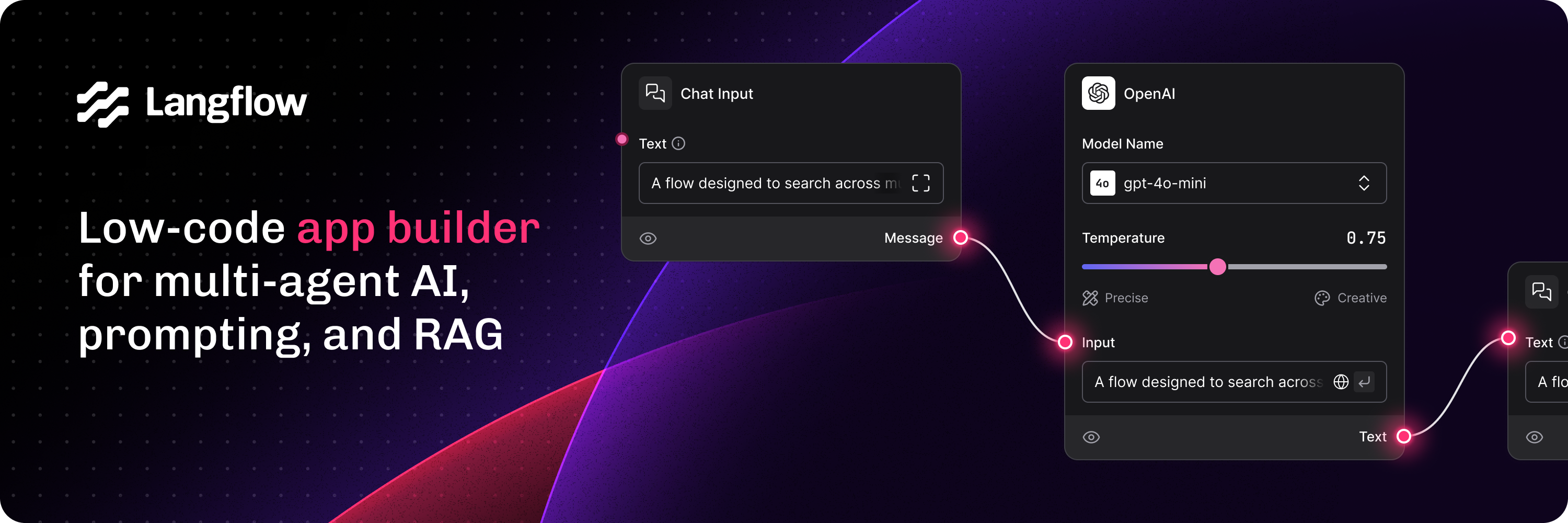
Langflow is a low-code app builder for RAG and multi-agent AI applications. It’s Python-based and agnostic to any model, API, or database.
Docs - Free Cloud Service - Self Managed


✨ Core features
- Python-based and agnostic to models, APIs, data sources, or databases.
- Visual IDE for drag-and-drop building and testing of workflows.
- Playground to immediately test and iterate workflows with step-by-step control.
- Multi-agent orchestration and conversation management and retrieval.
- Free cloud service to get started in minutes with no setup.
- Publish as an API or export as a Python application.
- Observability with LangSmith, LangFuse, or LangWatch integration.
- Enterprise-grade security and scalability with free DataStax Langflow cloud service.
- Customize workflows or create flows entirely just using Python.
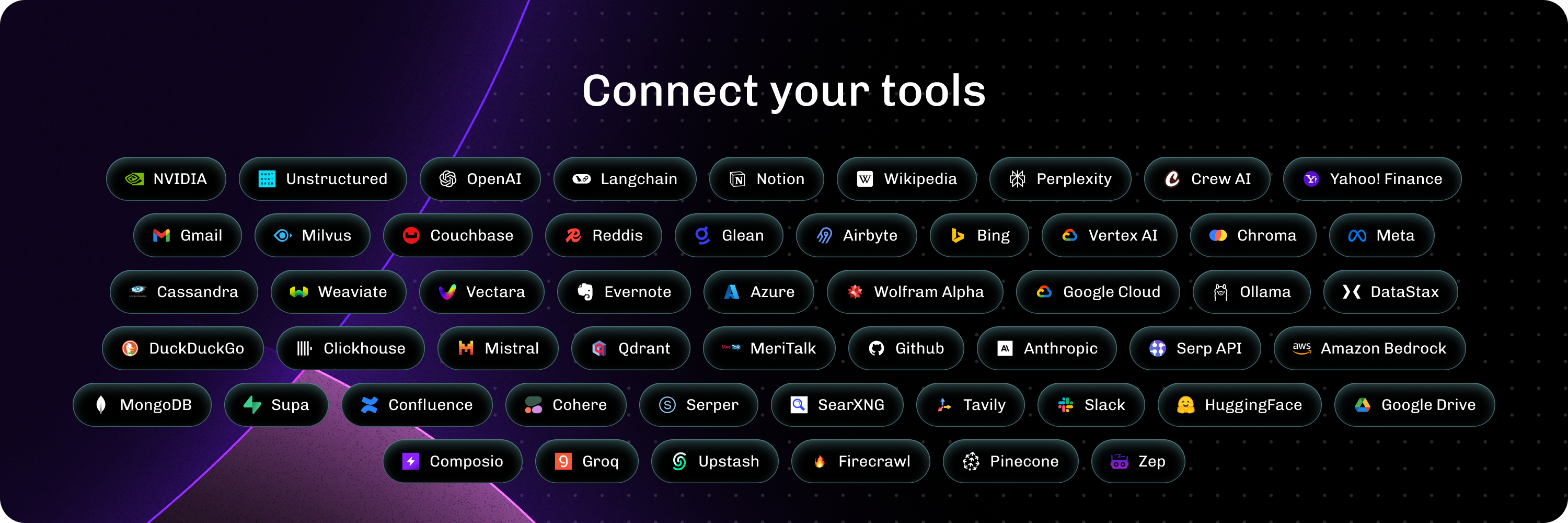
- Ecosystem integrations as reusable components for any model, API or database.
📦 Quickstart
- Install with uv (recommended) (Python 3.10 to 3.12):
uv pip install langflow
- Install with pip (Python 3.10 to 3.12):
pip install langflow
- Cloud: DataStax Langflow is a hosted environment with zero setup. Sign up for a free account.
- Self-managed: Run Langflow in your environment. Install Langflow to run a local Langflow server, and then use the Quickstart guide to create and execute a flow.
- Hugging Face: Clone the space using this link to create a Langflow workspace.
⭐ Stay up-to-date
Star Langflow on GitHub to be instantly notified of new releases.
👋 Contribute
We welcome contributions from developers of all levels. If you'd like to contribute, please check our contributing guidelines and help make Langflow more accessible.