Langflow is a powerful tool for building and deploying AI-powered agents and workflows.
http://www.langflow.org
 af4fb3774e
* 📝 (GlobalVariableModal.tsx): Refactor GlobalVariableModal component to use Tabs component instead of Select for type selection and improve layout and styling of input fields and labels 🔧 (index.tsx): Add popoverWidth prop to InputComponent to allow setting the width of the popover in CustomInputPopover component 🔧 (index.tsx): Add popoverWidth prop to InputComponent in InputGlobalComponent to set the width of the popover to 315px ✨ (tabs-button.tsx): introduce new TabsButton component to handle tab functionality in UI components 📝 (tabs-button.tsx): add documentation for Tabs, TabsContent, TabsList, TabsTrigger components 📝 (components/index.ts): add popoverWidth property to InputComponentType to control the width of the popover in UI components * ✨ (GlobalVariableModal.tsx): Add ForwardedIconComponent to display an icon next to the modal header text for better visual representation 📝 (GlobalVariableModal.tsx): Update TabsTrigger components to include data-testid attribute for testing purposes ✨ (index.tsx): Introduce new components OptionBadge, CommandItemContent, and SelectionIndicator to improve code organization and reusability ♻️ (index.tsx): Refactor handleRemoveOption function to have a more descriptive parameter signature and improve readability 📝 (index.tsx): Add comments to clarify the purpose of handleOptionSelect function and improve code documentation 📝 (index.tsx): Add comments to describe the purpose of getInputClassName and getAnchorClassName functions for better code understanding ✨ (globalVariables.spec.ts): improve placeholder text for variable name and value fields for better user understanding and experience * 🐛 (GlobalVariableModal.tsx): Fix disabled state logic for TabsTrigger components to correctly reflect initialData type 📝 (GlobalVariableModal.tsx): Update label for submit button to dynamically change based on the presence of initialData * 🐛 (index.tsx): Fix issue where options were not being correctly memoized as a Set to prevent unnecessary re-renders. Update memoizedOptions to correctly memoize options as a Set. * 📝 (userSettings.spec.ts): Update placeholder text for variable name and value fields to improve clarity and user experience. |
||
|---|---|---|
| .devcontainer | ||
| .github | ||
| .vscode | ||
| deploy | ||
| docker | ||
| docker_example | ||
| docs | ||
| scripts | ||
| src | ||
| test-results | ||
| .env.example | ||
| .eslintrc.json | ||
| .gitattributes | ||
| .gitignore | ||
| .pre-commit-config.yaml | ||
| CODE_OF_CONDUCT.md | ||
| CONTRIBUTING.md | ||
| DEVELOPMENT.md | ||
| eslint.config.js | ||
| LICENSE | ||
| Makefile | ||
| pyproject.toml | ||
| README.ES.md | ||
| README.FR.md | ||
| README.ja.md | ||
| README.KR.md | ||
| README.md | ||
| README.PT.md | ||
| README.zh_CN.md | ||
| render.yaml | ||
| uv.lock | ||
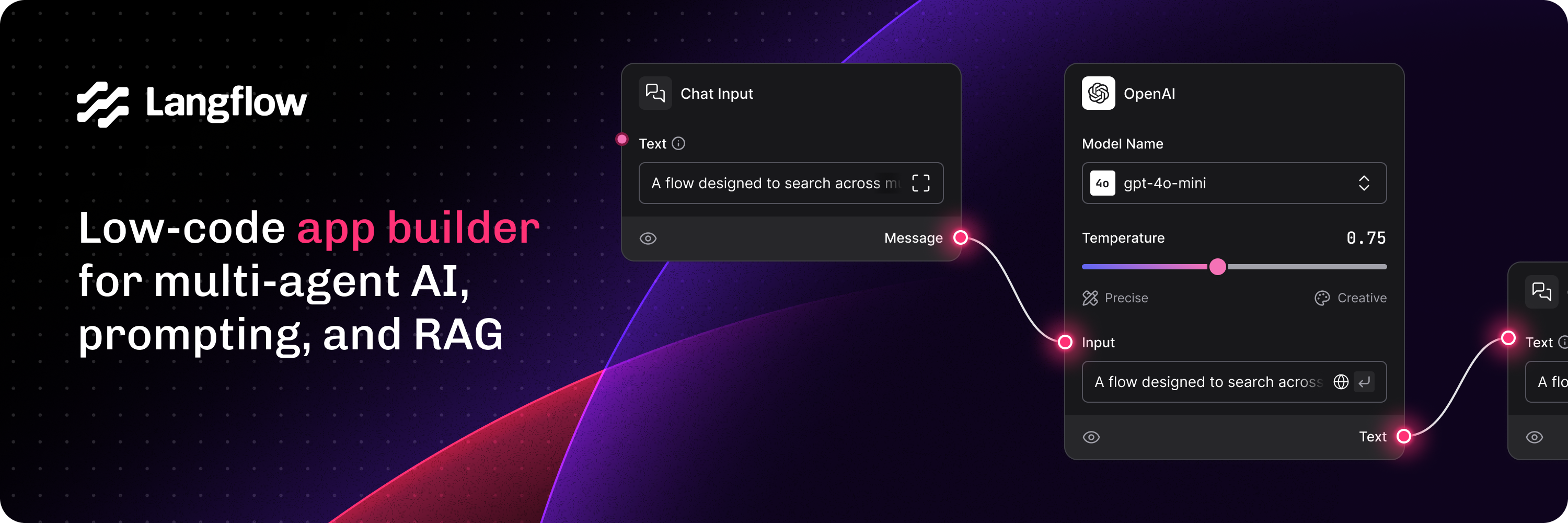
Langflow is a low-code app builder for RAG and multi-agent AI applications. It’s Python-based and agnostic to any model, API, or database.
Docs - Free Cloud Service - Self Managed


✨ Core features
- Python-based and agnostic to models, APIs, data sources, or databases.
- Visual IDE for drag-and-drop building and testing of workflows.
- Playground to immediately test and iterate workflows with step-by-step control.
- Multi-agent orchestration and conversation management and retrieval.
- Free cloud service to get started in minutes with no setup.
- Publish as an API or export as a Python application.
- Observability with LangSmith, LangFuse, or LangWatch integration.
- Enterprise-grade security and scalability with free DataStax Langflow cloud service.
- Customize workflows or create flows entirely just using Python.
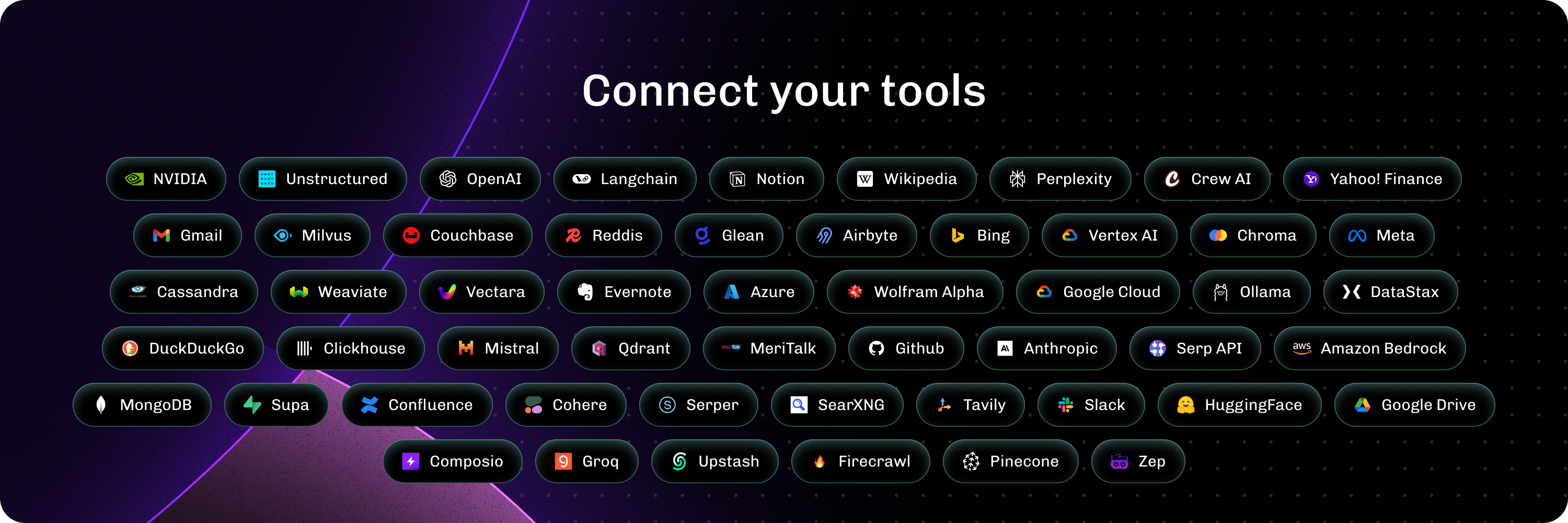
- Ecosystem integrations as reusable components for any model, API or database.
📦 Quickstart
- Install with uv (recommended) (Python 3.10 to 3.12):
uv pip install langflow
- Install with pip (Python 3.10 to 3.12):
pip install langflow
- Cloud: DataStax Langflow is a hosted environment with zero setup. Sign up for a free account.
- Self-managed: Run Langflow in your environment. Install Langflow to run a local Langflow server, and then use the Quickstart guide to create and execute a flow.
- Hugging Face: Clone the space using this link to create a Langflow workspace.
⭐ Stay up-to-date
Star Langflow on GitHub to be instantly notified of new releases.
👋 Contribute
We welcome contributions from developers of all levels. If you'd like to contribute, please check our contributing guidelines and help make Langflow more accessible.