
1.9 KiB
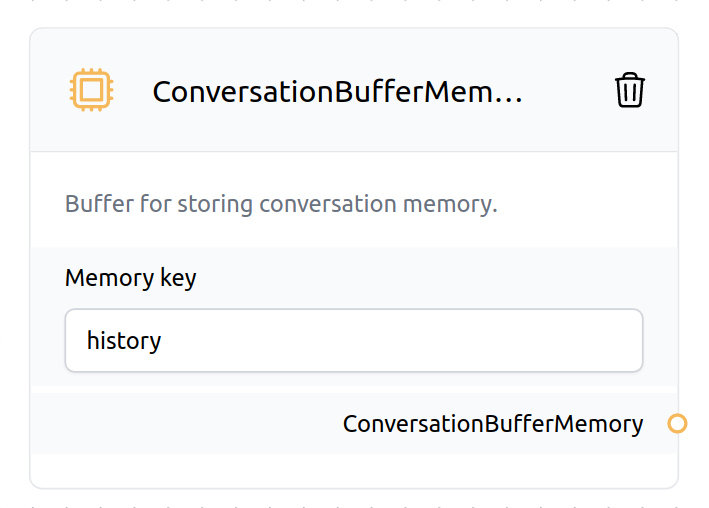
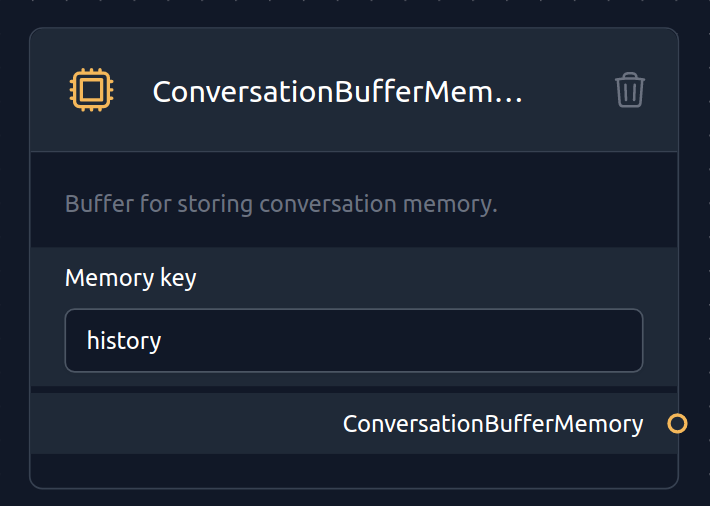
ConversationBufferMemory allows you to store messages and then extract the messages in a variable. The memory key input is typically generated by encoding the input text using an encoder network, which maps the input text into a fixed-dimensional vector representation.
 {width=50%}
 {width=50%}
Learn more about the ConversationBufferMemory{.internal-link target=_blank} in the LangChain documentation.
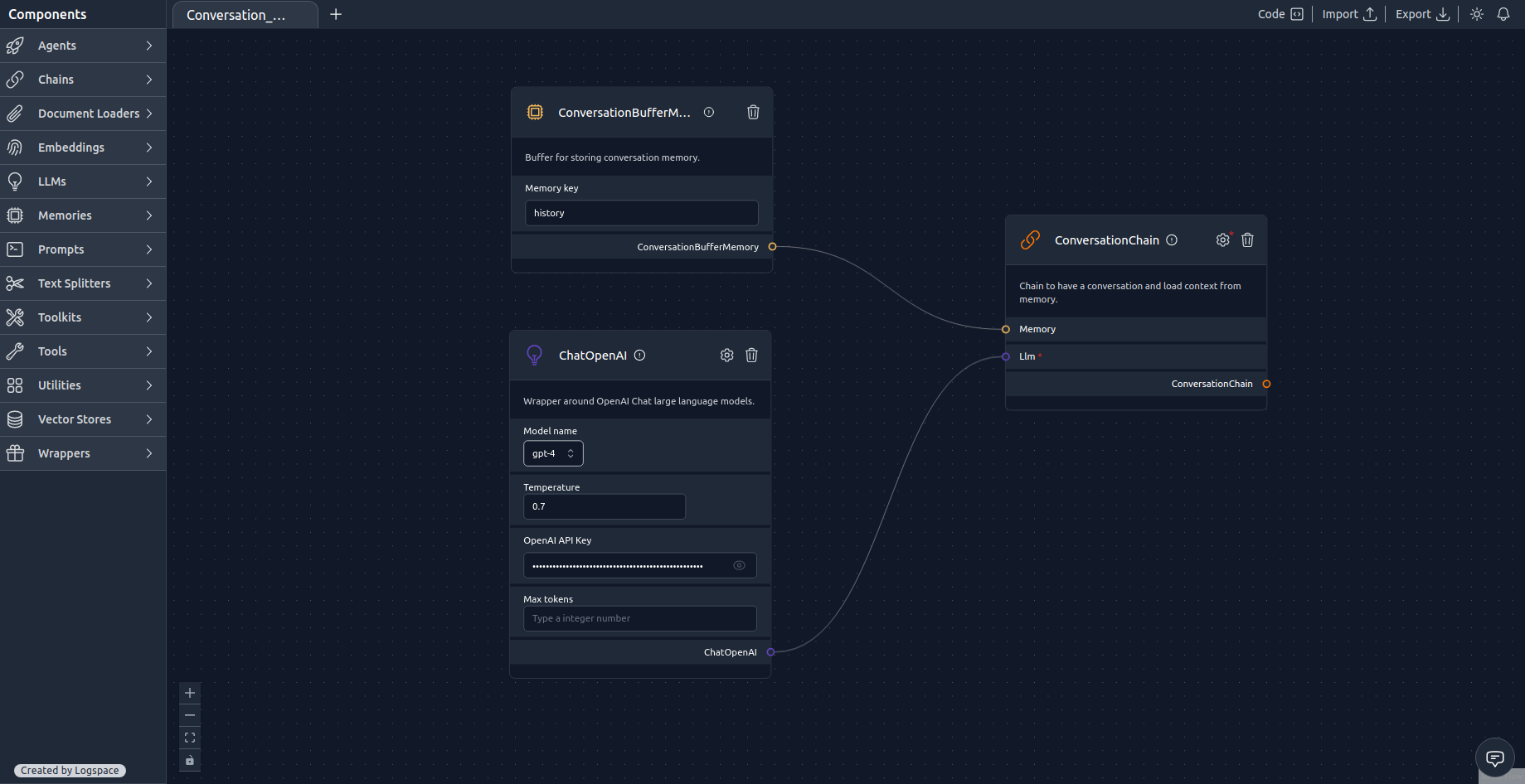
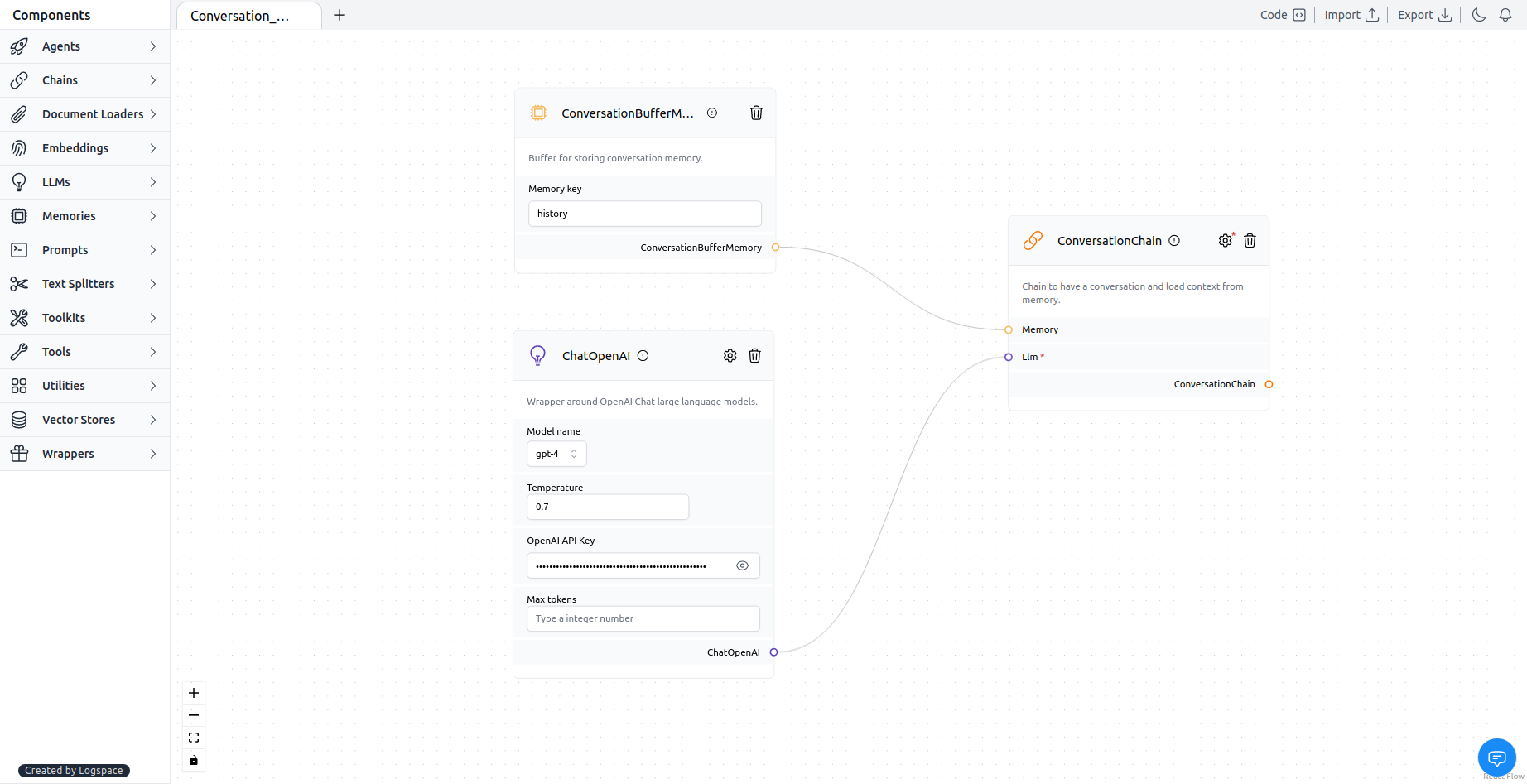
⛓️LangFlow example
 {width=100%}
 {width=100%}
Download Flow{: .md-button download="Conversation_buffer_memory"}
ConversationChain is a chain to have a conversation and load context from memory. Output Key and Input Key are simply unique identifiers used to represent the data being passed between different modules or steps in a Conversation Chain. These keys help to ensure that the data is properly routed and processed by the appropriate modules in the conversation flow.
Output Key used the default: response and Input Key used the default: input.
In the LangFlow example, we used ChatOpenAI as the LLM, but you can use any LLM that has an API. Make sure to get the API key from the LLM provider. For example, ChatOpenAI{.internal-link target=_blank} requires you to create an account to get your API key.
Check out the ChatOpenAI{.internal-link target=_blank} documentation to learn more about the API and the options that contain in the node.