
3 KiB
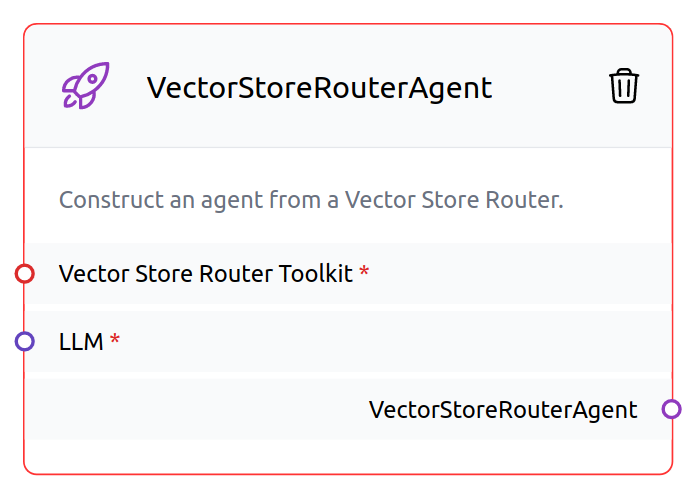
VectorStoreRouterAgent construct an agent that routes between multiple vectorstores.
 {width=50%}
 {width=50%}
For more information about VectorStoreRouterAgent{.internal-link target=_blank}, check out the LangChain documentation.
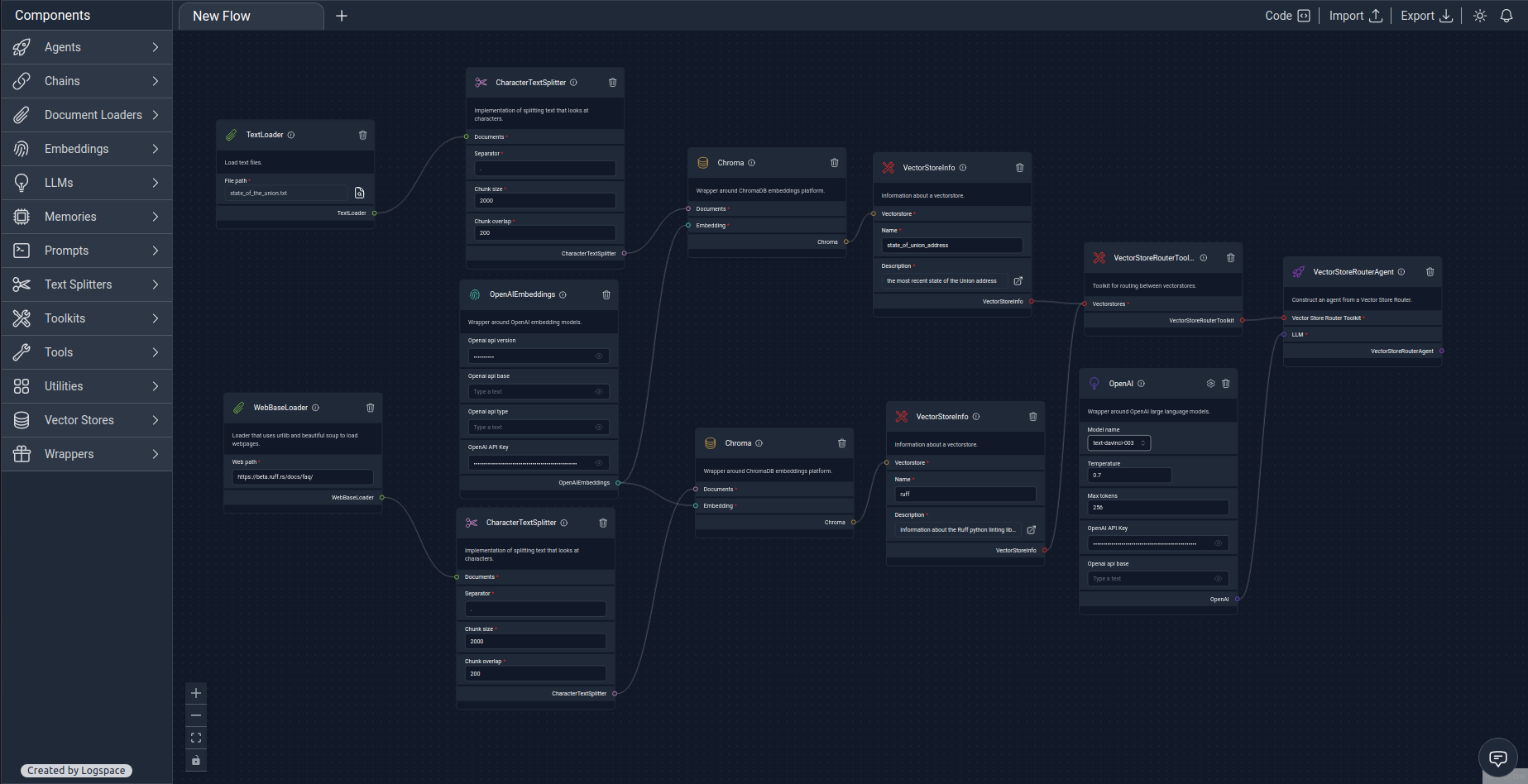
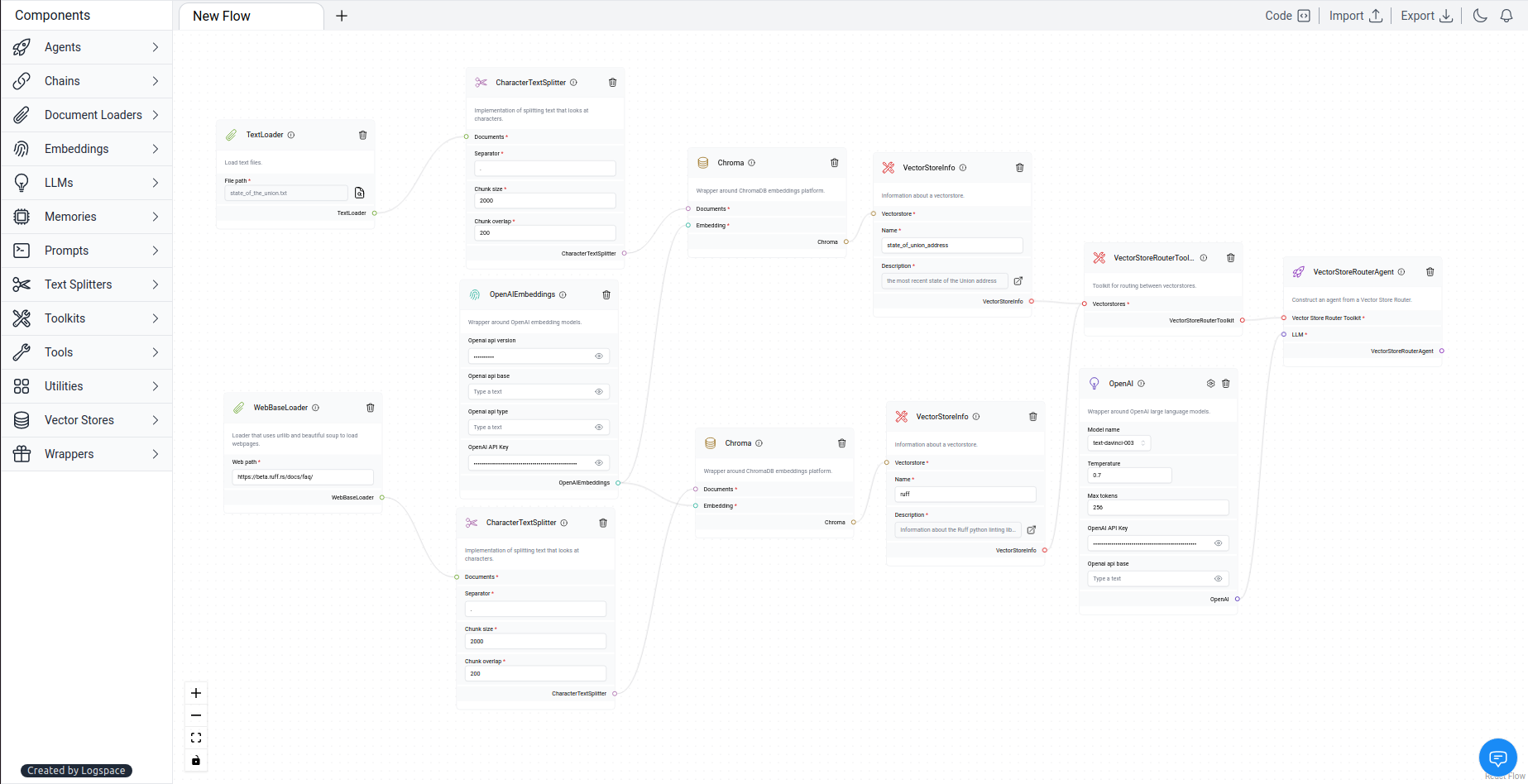
⛓️LangFlow example
 {width=100%}
 {width=100%}
Download Flow{: .md-button download="Multiple_vectorstores"}
TextLoader loads text from a file.
Download txt{: .md-button download="state-of-the-union"}
By using WebBaseLoader, you can load all text from webpages into a document format that we can use downstream. Web path used:
https://beta.ruff.rs/docs/faq/
CharacterTextSplitter implements splitting text based on characters.
Text splitters operate as follows:
-
Split the text into small, meaningful chunks (usually sentences).
-
Combine these small chunks into larger ones until they reach a certain size (measured by a function).
-
Once a chunk reaches the desired size, make it its piece of text and create a new chunk with some overlap to maintain context.
Separator used:
.
Chunk size used:
2000
Chunk overlap used:
200
The OpenAIEmbeddings, wrapper around OpenAI Embeddings{.internal-link target=_blank} models. Make sure to get the API key from the LLM provider, in this case OpenAI{.internal-link target=_blank}.
Chroma vector databases can be used as vectorstores to conduct a semantic search or to select examples, thanks to a wrapper around them.
VectorStoreInfo set information about the vectorstore, such as the name and description.
First VectorStoreInfo
Name:
state_of_union_address
Description:
the most recent state of the Union address
Second VectorStoreInfo
Name:
ruff
Description:
Information about the Ruff python linting library
The VectorStoreRouterToolkit is a toolkit that allows you to create a VectorStoreRouter agent. This allows it to route between vector stores.
For the example, we used OpenAI as the LLM, but you can use any LLM that has an API. Make sure to get the API key from the LLM provider. For example, OpenAI{.internal-link target=_blank} requires you to create an account to get your API key.
Check out the OpenAI{.internal-link target=_blank} documentation to learn more about the API and the options that contain in the node.